Different Button Prompts in Games

Information
Depending on the system you are playing on, the button prompts may not match the buttons on your physical controller.
Xbox Games
The Xbox layout is used by Xbox Controllers, Steam Deck, Rog Alley, and many generic third-party PC or Xbox clone controllers.
Xbox - Button Layout:
| Button Placement | Button | Name |
|---|---|---|
| North |  |
Y |
| West |  |
X |
| East |  |
B |
| South |  |
A |
Example:
If a game calls for the button B, it corresponds to the right button.
Nintendo Games
The Nintendo layout is used by Nintendo Controllers and other generic third-party Nintendo clone controllers.
Nintendo - Button Layout:
| Button Placement | Button | Name |
|---|---|---|
| North | |
X |
| West | |
Y |
| East | |
A |
| South | |
B |
Example:
If a Nintendo game calls for the button A, it corresponds to the right button.
PlayStation Games
The PlayStation layout is used by PlayStation Controllers and other generic third-party PlayStation clone controllers.
PlayStation - Button Layout:
| Button Placement | Button | Name |
|---|---|---|
| North | 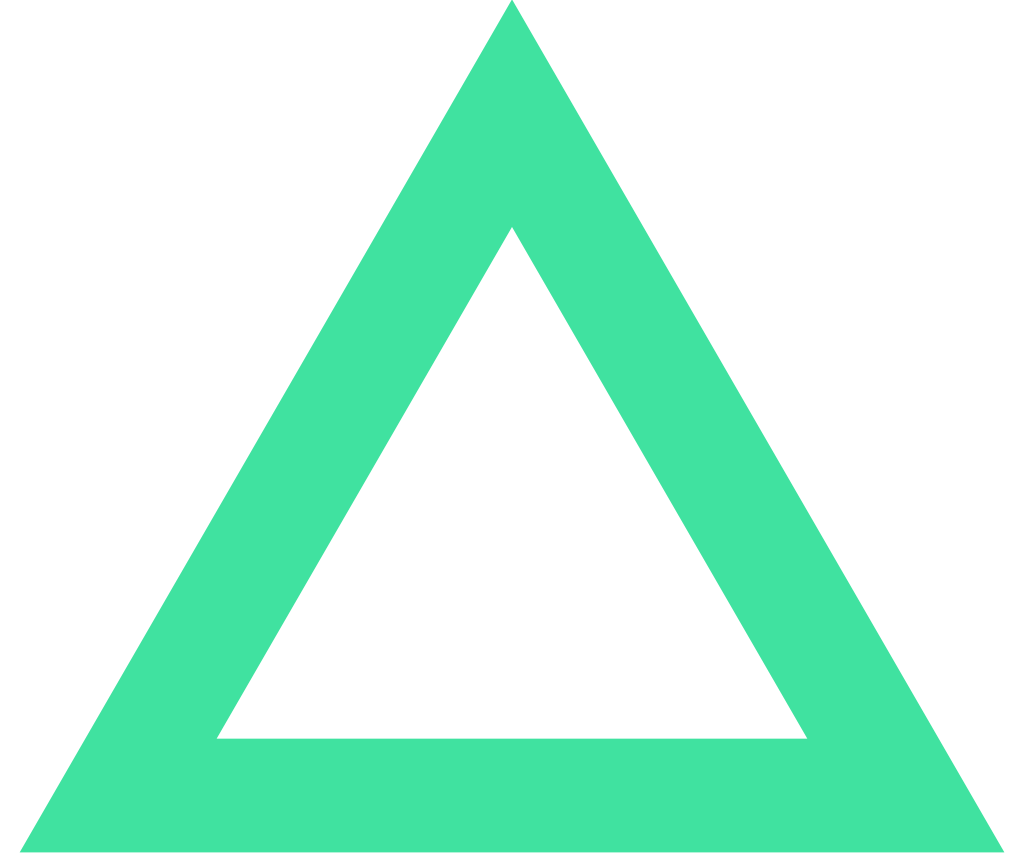 |
Triangle |
| West | 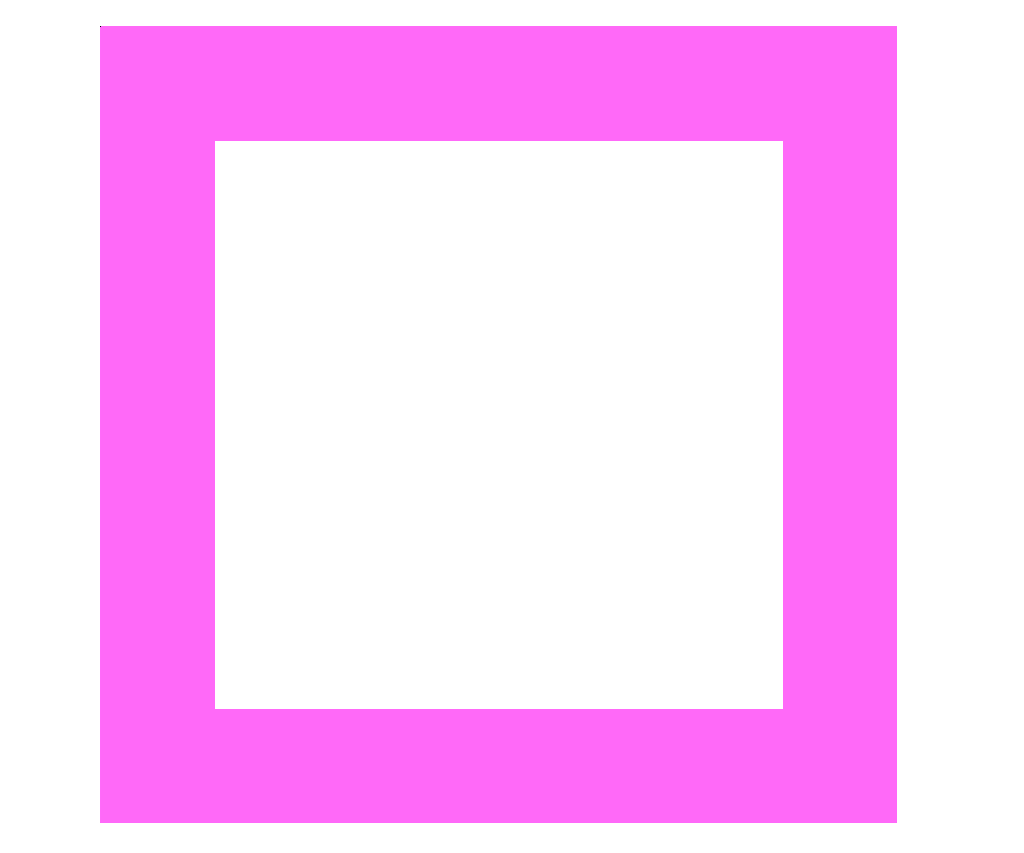 |
Square |
| East | 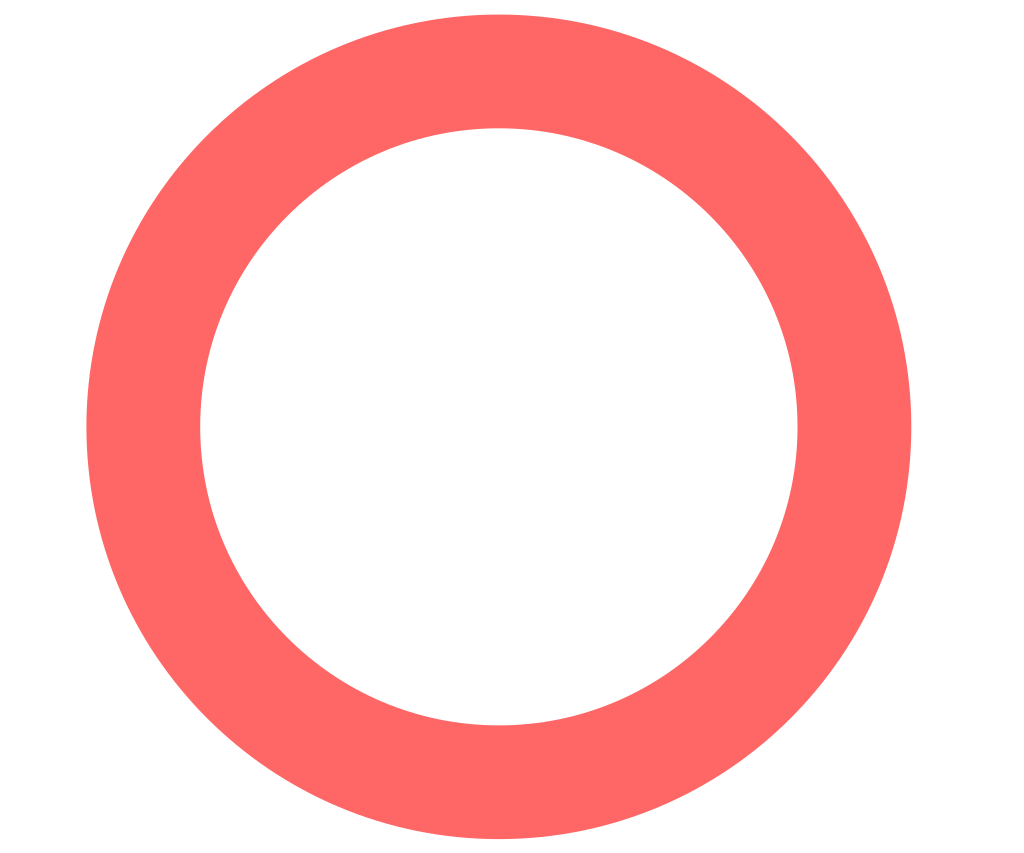 |
Circle |
| South | 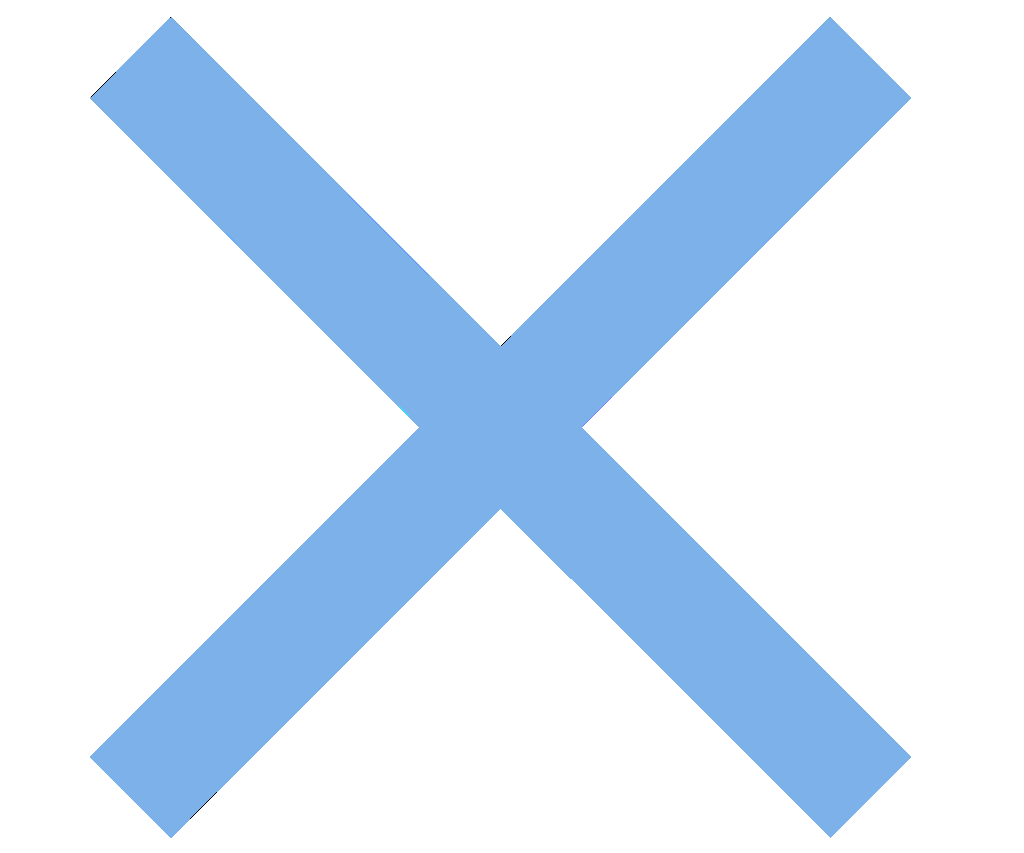 |
Cross |
Example:
If a PlayStation game calls for the button Circle, it corresponds to the right button.
Regional Differences:
In some regions, the meaning of Circle and Cross for confirm and cancel may be swapped, but their physical positions remain the same.
Keep this in mind if you are accustomed to exiting menus with a certain button and it behaves differently in some games.